Template
Template page
Random collection of useful templates copied from: https://github.com/alshedivat/al-folio/tree/main/_posts
Plotly
{
  "data": [
    {
      "x": [1, 2, 3, 4],
      "y": [10, 15, 13, 17],
      "type": "scatter"
    },
    {
      "x": [1, 2, 3, 4],
      "y": [16, 5, 11, 9],
      "type": "scatter"
    }
  ]
}
The images in this post are all zoomable, arranged into different mini-galleries using different libraries.
Lightbox2



PhotoSwipe
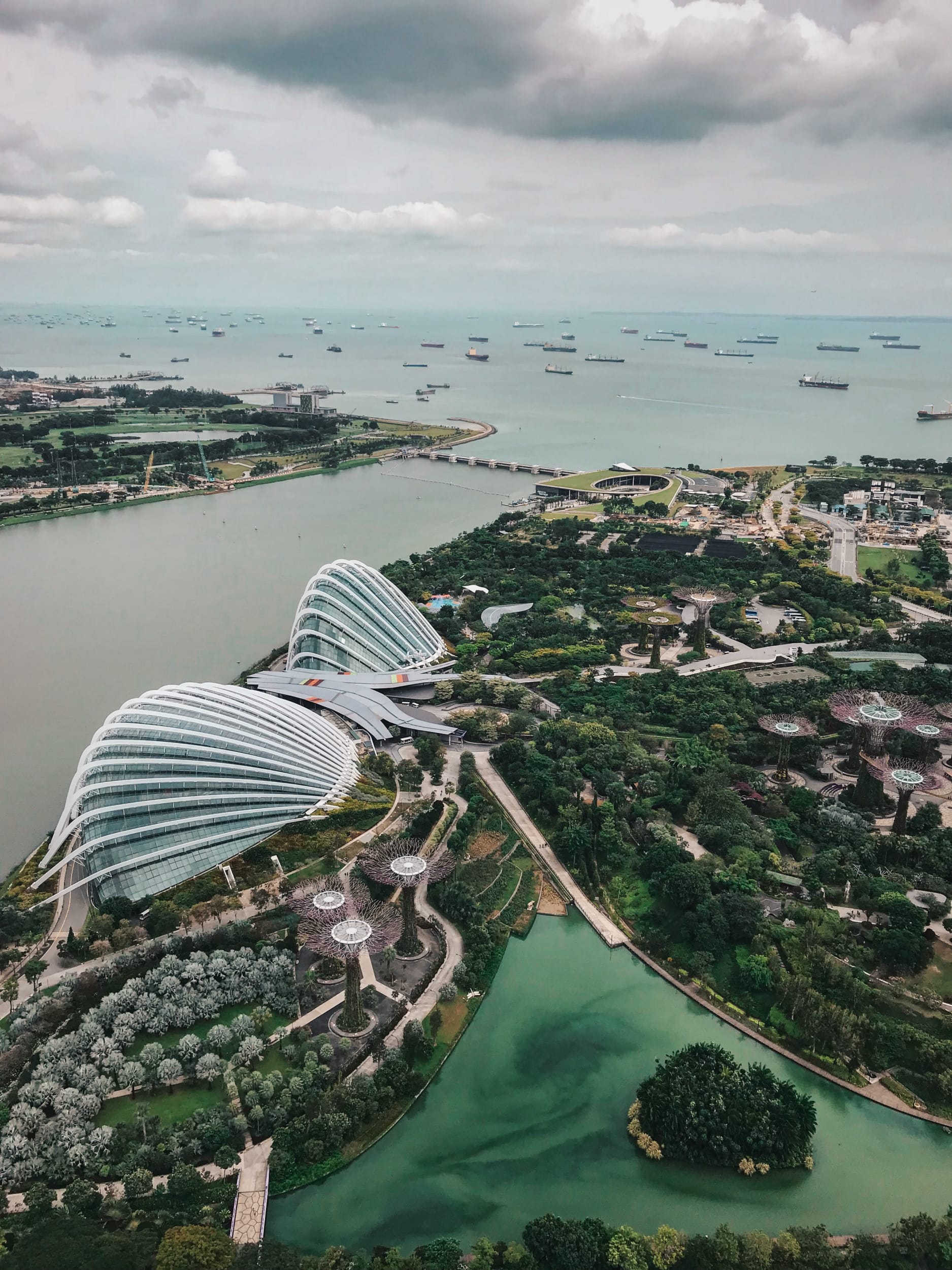


Spotlight JS


Venobox
Audios
This is an example post with audios. It supports local audio files.
Math
This theme supports rendering beautiful math in inline and display modes using MathJax 3 engine. You just need to surround your math expression with $$, like $$ E = mc^2 $$. If you leave it inside a paragraph, it will produce an inline expression, just like \(E = mc^2\).
To use display mode, again surround your expression with $$ and place it as a separate paragraph. Here is an example:
You can also use \begin{equation}...\end{equation} instead of $$ for display mode math.
MathJax will automatically number equations:
\begin{equation} \label{eq:cauchy-schwarz} \left( \sum_{k=1}^n a_k b_k \right)^2 \leq \left( \sum_{k=1}^n a_k^2 \right) \left( \sum_{k=1}^n b_k^2 \right) \end{equation}
and by adding \label{...} inside the equation environment, we can now refer to the equation using \eqref.
Note that MathJax 3 is a major re-write of MathJax that brought a significant improvement to the loading and rendering speed, which is now on par with KaTeX.
Images
This is an example post with image galleries.


Images can be made zoomable.
Simply add data-zoomable to <img> tags that you want to make zoomable.

The rest of the images in this post are all zoomable, arranged into different mini-galleries.